

COLLECT IT YOUR WAY
Everything you need to know before picking up your parcel: What's the difference between a Locker and a Parcel Point, how we notify you, and what you need to pick it up.
How does it work?
1.
Your parcel arrives at the point
The carrier deposits your parcel at the Locker or Parcel Point you selected when making your purchase. You'll be notified as soon as it's ready.
2.
We'll let you know immediately
We sent you an email and/or SMS with your 6-digit PIN code and the exact address of the pickup point. You can also see it in the InPost app.
3.
Come anytime
Lockers are available 24/7. Parcel points have business hours; check them before going so you don't make the trip in vain.
4.
Pick up your parcel
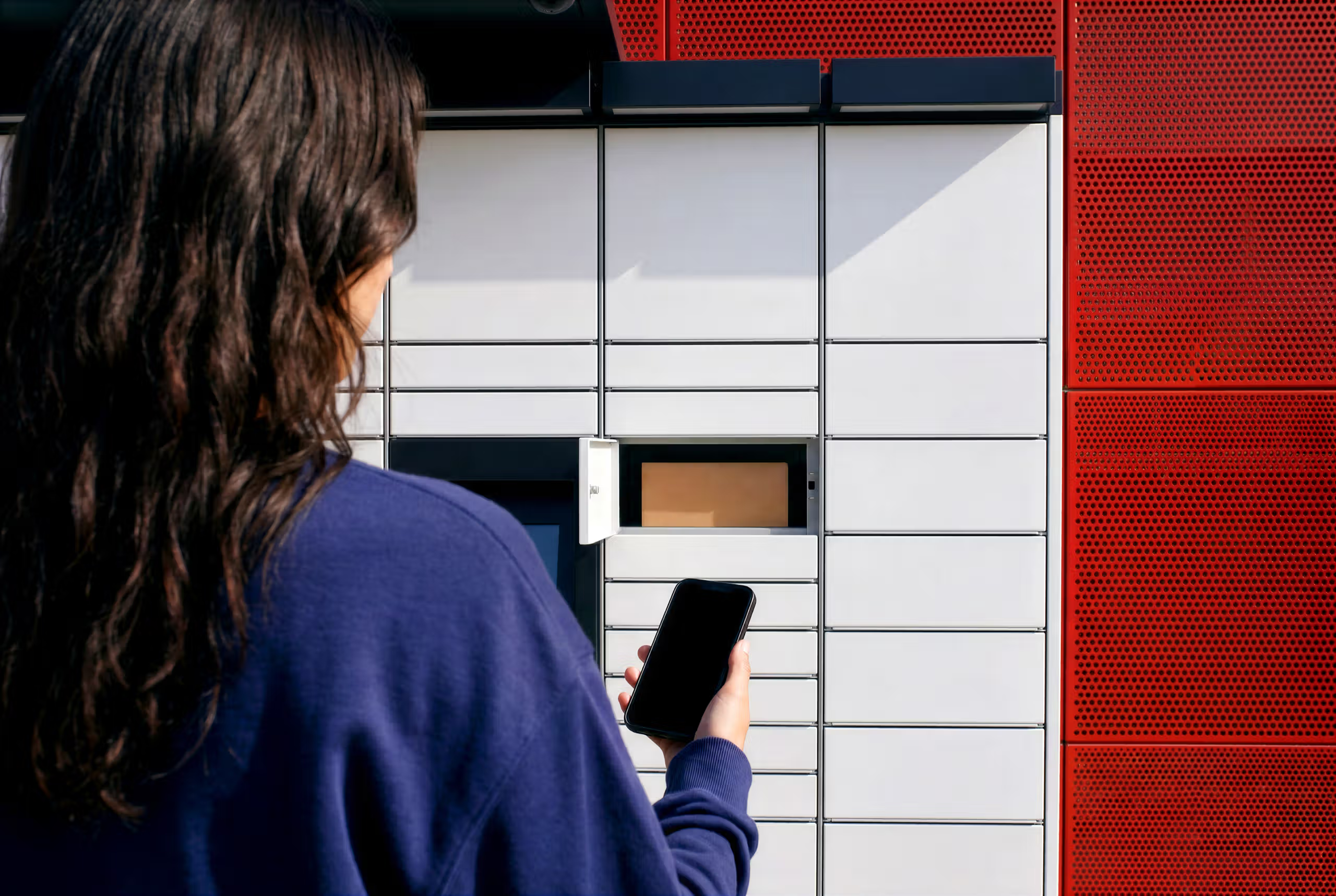
In the Locker: Enter your PIN on the screen, and the locker will open. At the Parcel Point: Show the pin to the person in charge of the establishment.
More than 13,000 delivery points in Iberia
Lockers and Parcel Points near where you live, work or shop.
Our customers unfiltered
Real opinions from real customers
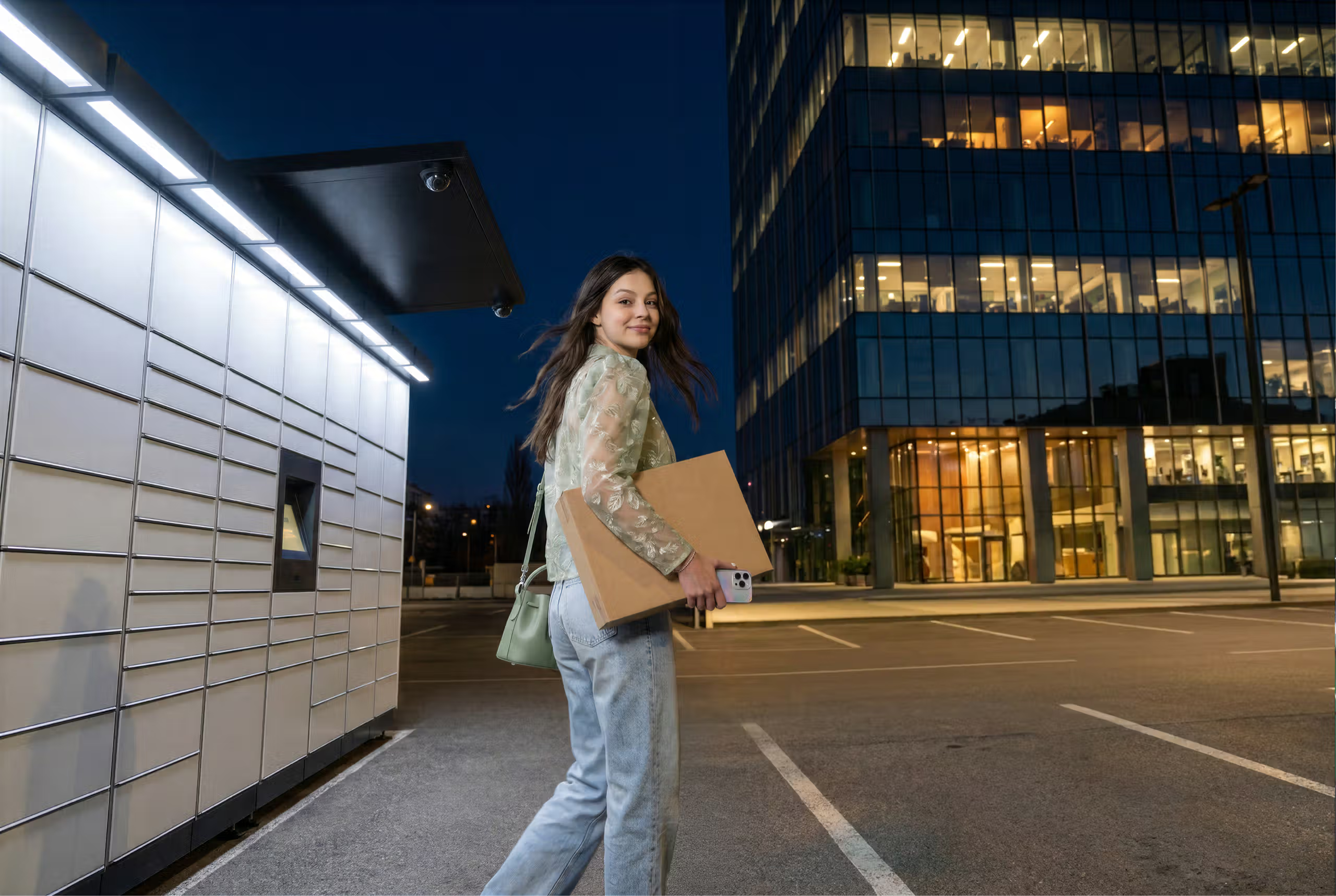 Find a Locker
Locker: Pick up anytime
Lockers are smart lockers available 24/7. All you need is your 6-digit PIN or a QR code. Perfect if you're on a tight schedule.
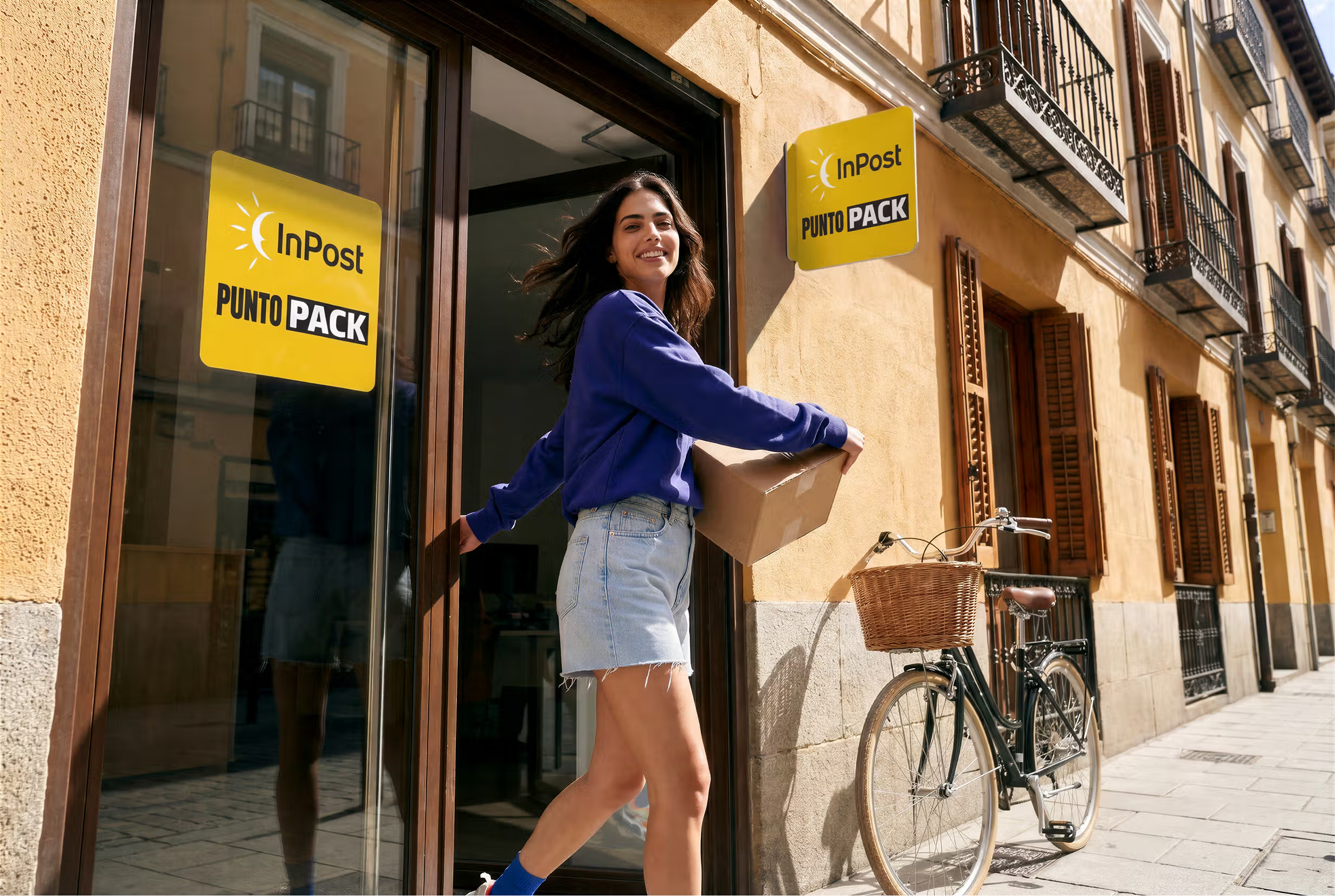 Find a Parcel Point
Parcel Point: pick up in your neighbourhood
Parcel Points are local shops in your neighbourhood, such as shops, kiosks, and stationery stores that store your package and deliver it to you at the counter using your PIN and your DNI/NIE.
 Download the App
Your PIN code
As soon as your package arrives at the pick-up point, you will receive a 6-digit PIN via email and/or SMS. You'll also find it in the InPost app. Make sure you save it before leaving.
 See Frequently Asked Questions(opens in a new tab)
You have 5 days to pick it up
Once your package is ready, you have 5 calendar days to pick it up. If it is not picked up within that time, the package is automatically returned to the sender
How do I know my parcel is ready for pickup?
You will receive a notification by email and/or SMS as soon as your parcel arrives at the Parcel Point or Locker. That same message will also contain a 6-digit PIN and the exact address of the pickup point. You can also turn on notifications in the InPost app to receive them directly on your mobile phone.
How long do I have to pick up my parcel?
You have 5 calendar days from when you receive the notification that your parcel is ready. After that, the parcel is automatically returned to the sender.
What do I need to bring to pick up at a Parcel Point?
Your PIN or QR code and, in most cases, your ID or NIE to verify your identity and sign off the delivery. We recommend that you always carry it with you to avoid delays.
What do I need to pick up at a Locker?
Only the 6-digit PIN code or QR code you received via email or SMS. You do not need additional documentation; the process is completely self-service on the Locker screen.
Can I pick up my parcel at any time?
Most Lockers are open 24/7; the Parcel Point depends on business hours, so in both cases, we recommend checking the opening hours on our map in the App or on the website.
What should I do if the locker doesn't open with my PIN?
Check that you are entering the correct PIN and that the collection period has not expired. If the problem persists, contact the InPost customer service on the website, the App, or by phone.
What are you waiting for? Shipping with InPost SUITS YOU
 Make a shipment
Send Now!
You now have everything you need. Create your shipment in less than 3 minutes.
 View rates
Shipping rates
See prices for domestic and international shipments.
 See locations
Find your Parcel Point or Locker
Find the closest delivery point.